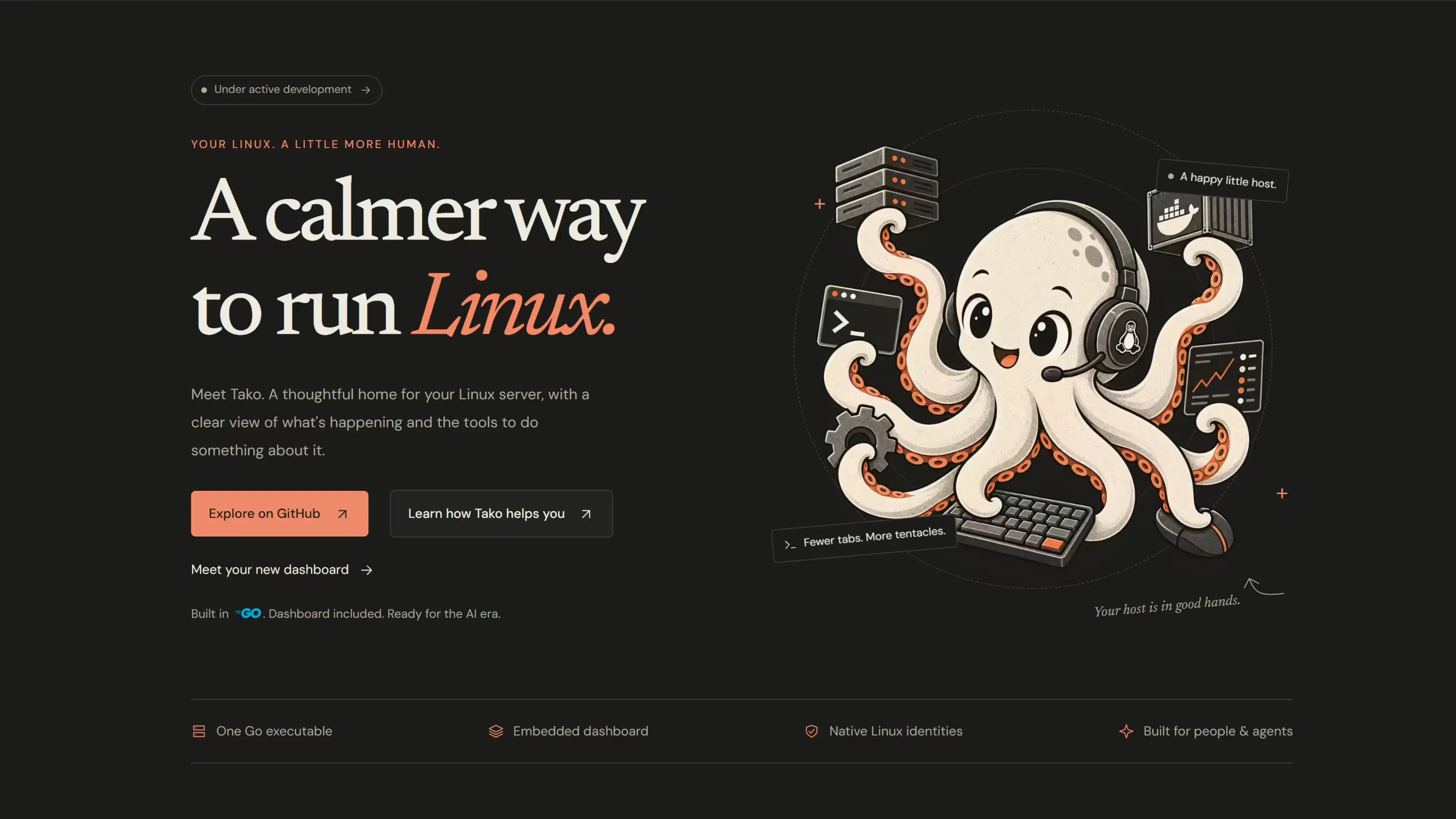
Meet Tako, a calmer way to run your Linux server
Tako is a friendly dashboard for your Linux server. Check how it's doing, fix what needs fixing and keep it up to date, all from your browser.

Krishna Santosh
Founder & CEO
3 min read
If you run your own server, you probably know the feeling. Something is slow, or a site has stopped loading, and you’re digging through commands you half remember while trying to work out what changed. On a phone, it’s worse.
Tako is a dashboard that lives on your Linux server and shows you, in plain view, what’s going on and what you can do about it. It’s free, open source and being built in the open right now.
See how your server is doing
The first screen tells you whether things are healthy: how busy the processor is, how much memory and disk space are left, and how much network traffic is flowing. Live charts show the last 24 hours, so when something spikes you can see it and then find the program behind it.
Fix things without memorising commands
Tako lists everything that runs on your server, like your web server, your database and your scheduled jobs. You can start, stop or restart any of them in a click. Before a change happens, Tako shows you what it’s about to do, so there are no surprises.
The same goes for updates. Tako shows which ones are waiting, lets you preview them, and keeps you posted while they install.
Find out what went wrong
When something breaks, the answer is usually somewhere in your server’s logs. Tako lets you search and filter them, follow new entries as they come in, and line up related events in an incident timeline. If you’d rather type, there’s a full terminal in the browser too.
Nothing new to sign in with
You log in to Tako with the same username and password you already use on your server. There’s no separate account to create and no cloud service in the middle. Your server stays yours.
That also means you can check on things from a laptop, a tablet or your phone, wherever you are.
A helping hand from AI
Tako is designed so AI assistants can help look after your server safely. Ask why your website stopped responding, and an assistant can read the logs, check memory use around the time it failed and suggest what to do next. You stay in charge of every decision.
Works with the Linux you already use
Tako runs on Ubuntu, Debian, Fedora, Red Hat Enterprise Linux, Rocky Linux, AlmaLinux, Arch Linux and openSUSE. It’s a good fit if you look after one server or a handful of them, whether it’s a cloud machine, a box in your rack or a home lab.
Follow along
Tako is still in active development. Visit tako.velopulent.com to see what it looks like, or follow the project on GitHub to try it and help decide what comes next.

Written by
Krishna Santosh
Founder & CEO, Velopulent